





























































































































































































































































 GHS
GHS  (USD $)
Description
Power Mode: Power Supply
Operating Voltage: 110V/220V
Plug Type: British Specification Plug
Battery Properties: Without Battery
Wireless Property: With Wi-Fi function, Including 2.4G/3G/4G/5G and other functions, other wireless functions
Frequency Band Class: Single band
Antenna Type: Fixed
Operating System: Routeros
Frequency: 2.4GHz
Brand: WAVLINK
Item ID: PR1431843
Origin: Guangdong,China
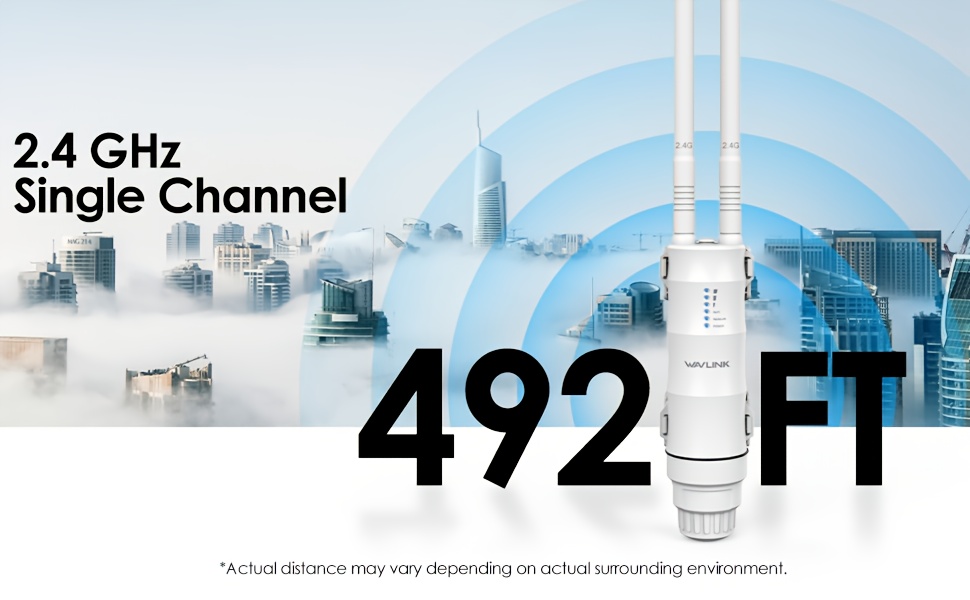
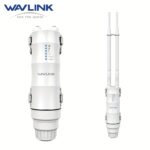
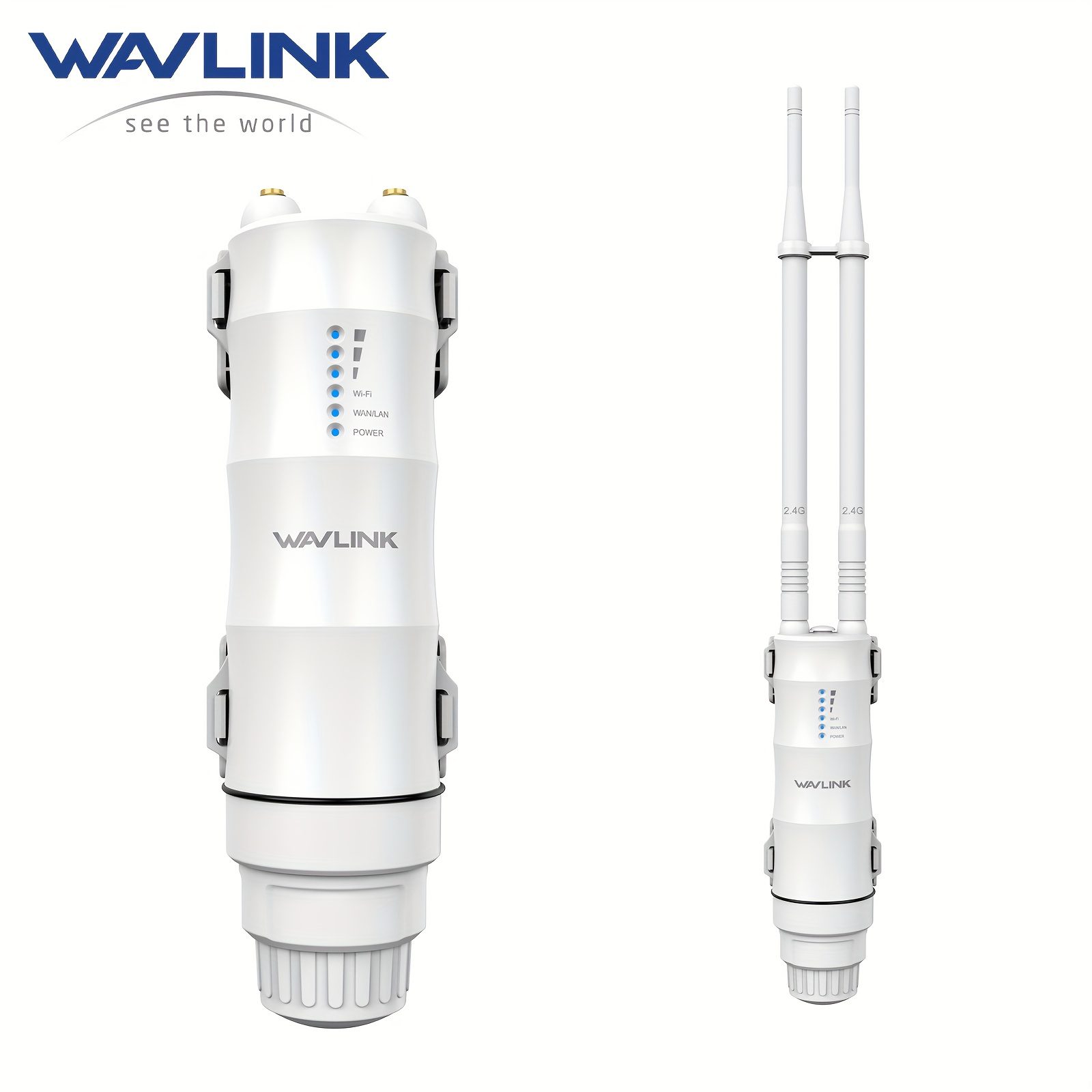
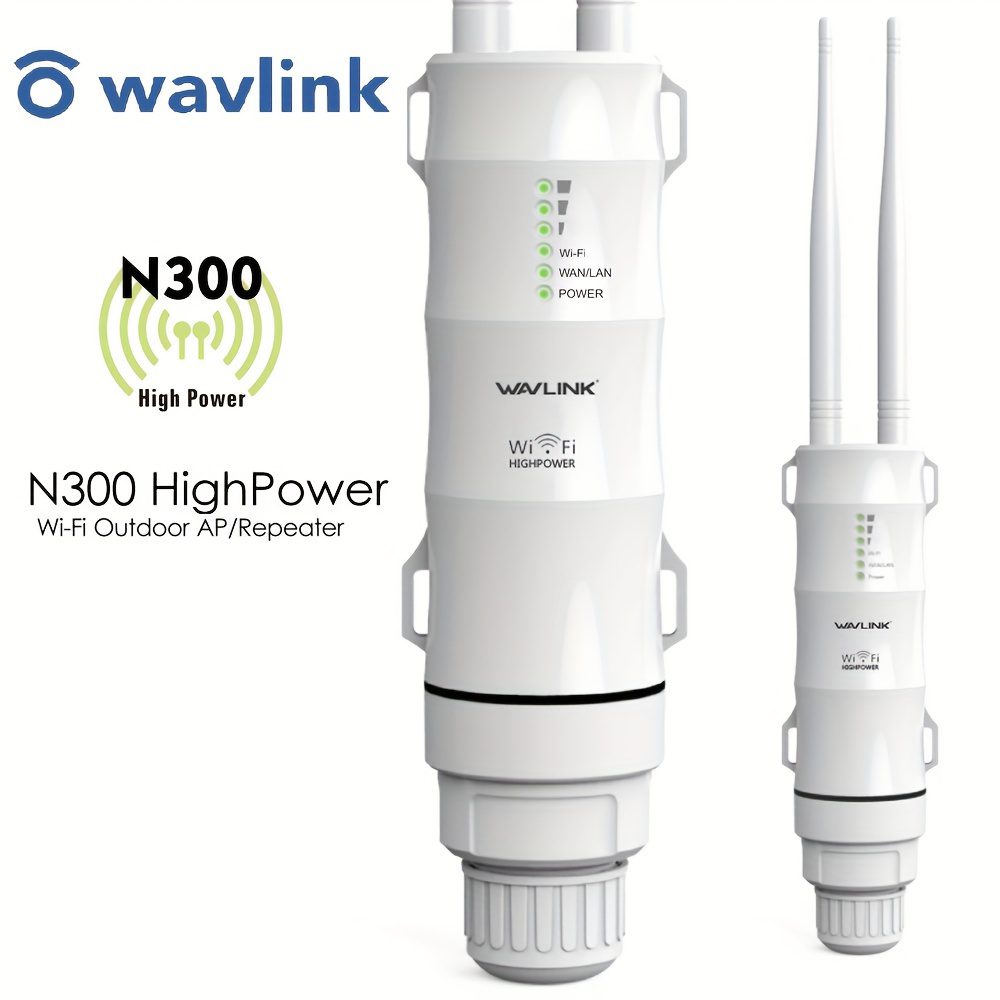
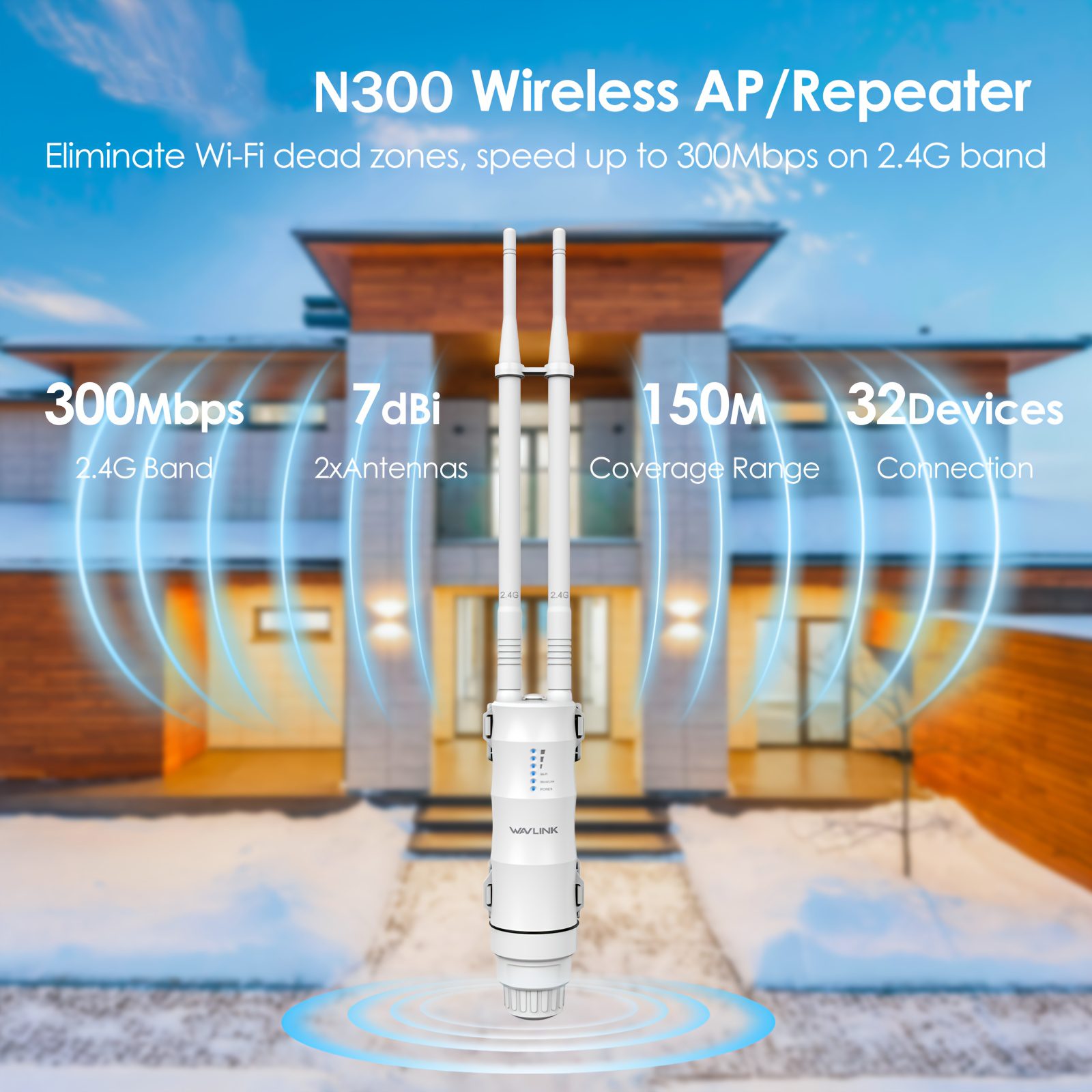
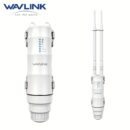
The WAVLINK Wireless Access Point facilitates the establishment of a reliable Wi-Fi network, allowing numerous devices to connect at the same time. It offers an easy setup procedure for optimizing wireless performance, potentially improving your network connection quality. (Please note: The real coverage and performance are influenced by the particular usage conditions.)
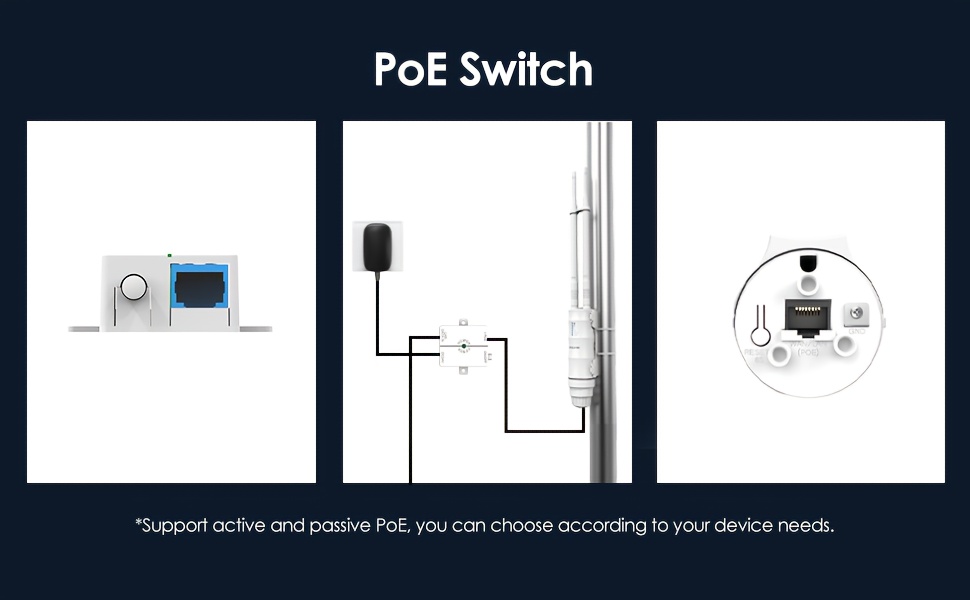
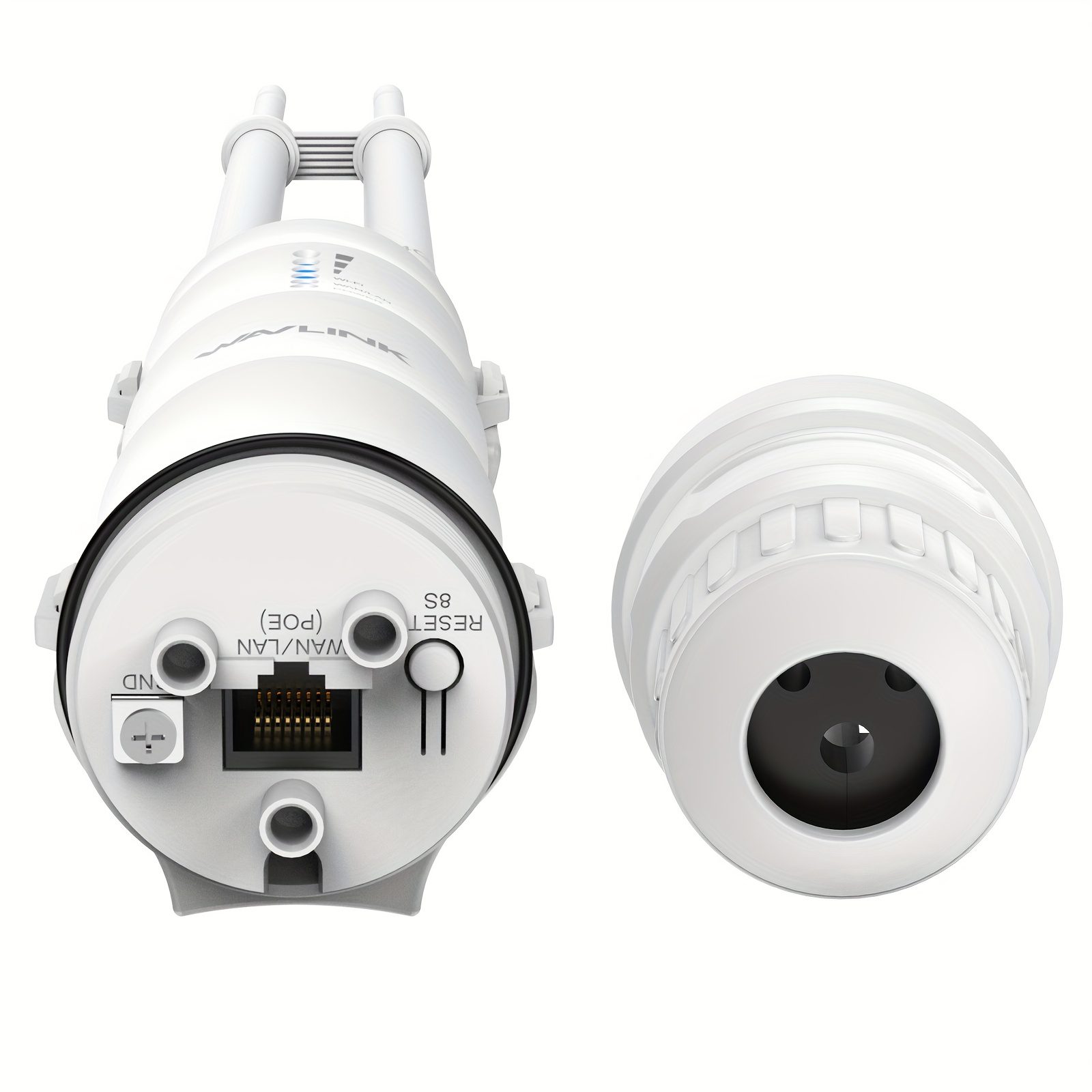
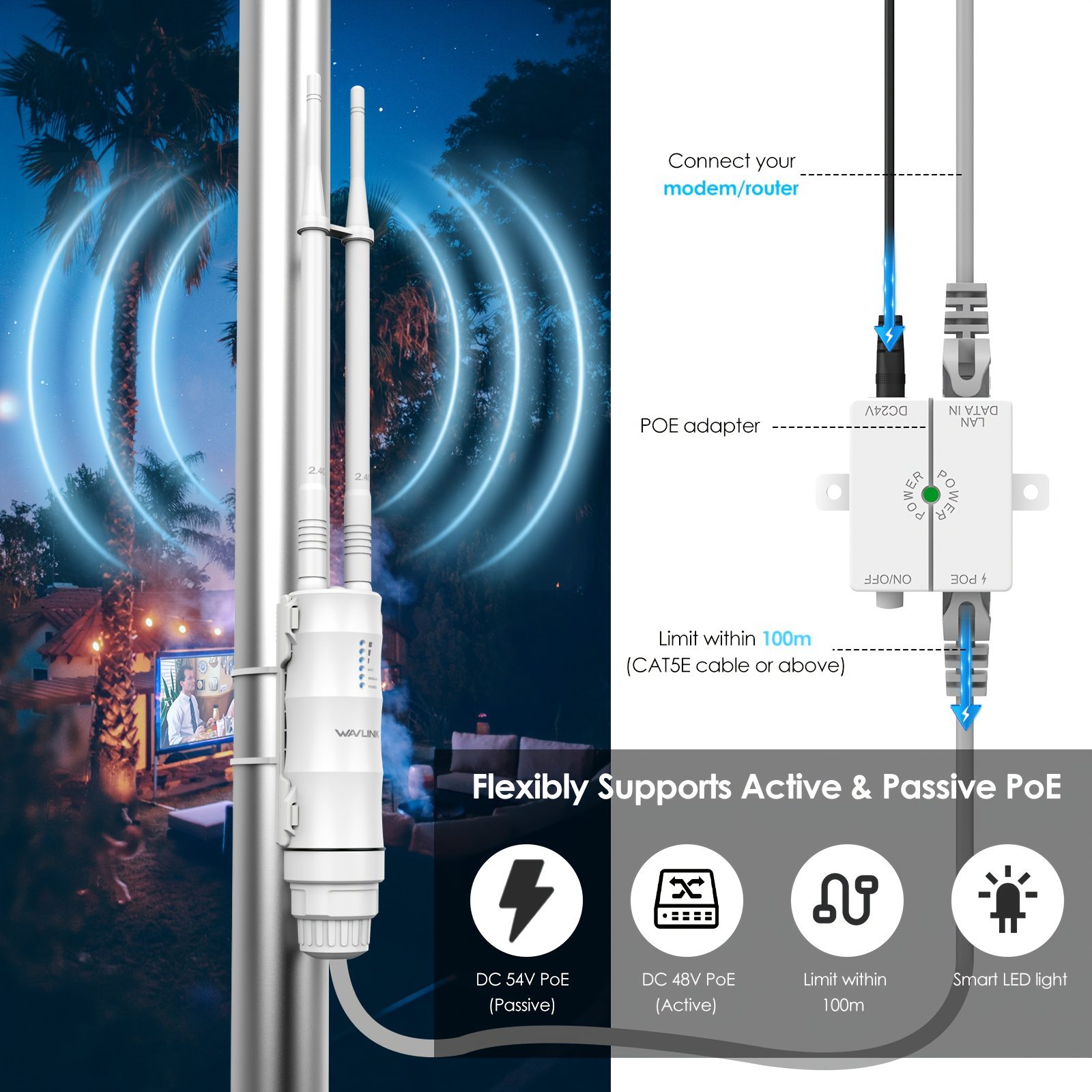
Power Over Ethernet (PoE) – Install Anywhere Single-Cable Setup: Merges power and data into a single RJ-45 cable — no need for an electrical outlet. Flexible Compatibility: Works with passive PoE (included) and active PoE (requires your own active switch). Perfect for outdoor areas, garages, warehouses, and difficult-to-access spots.
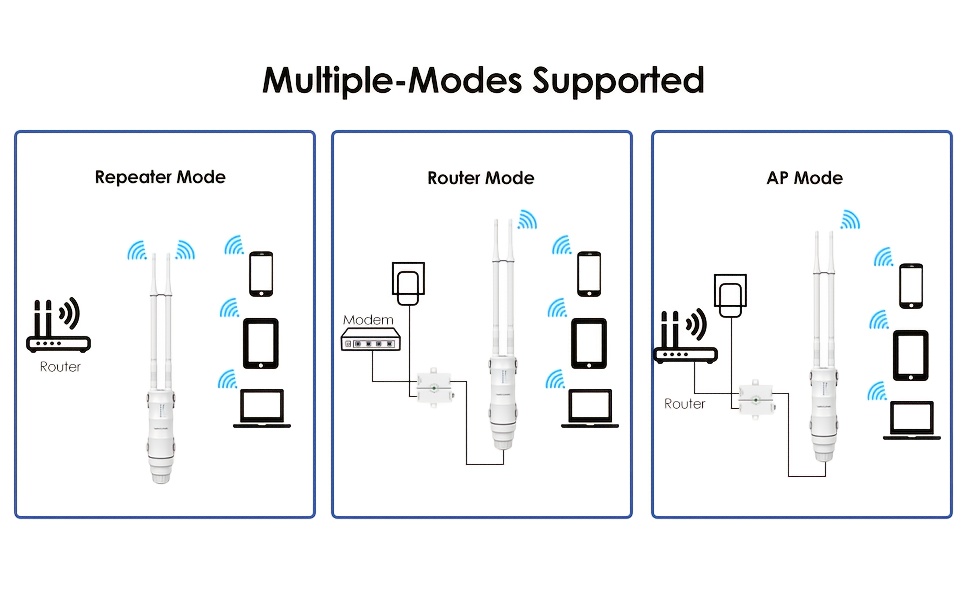
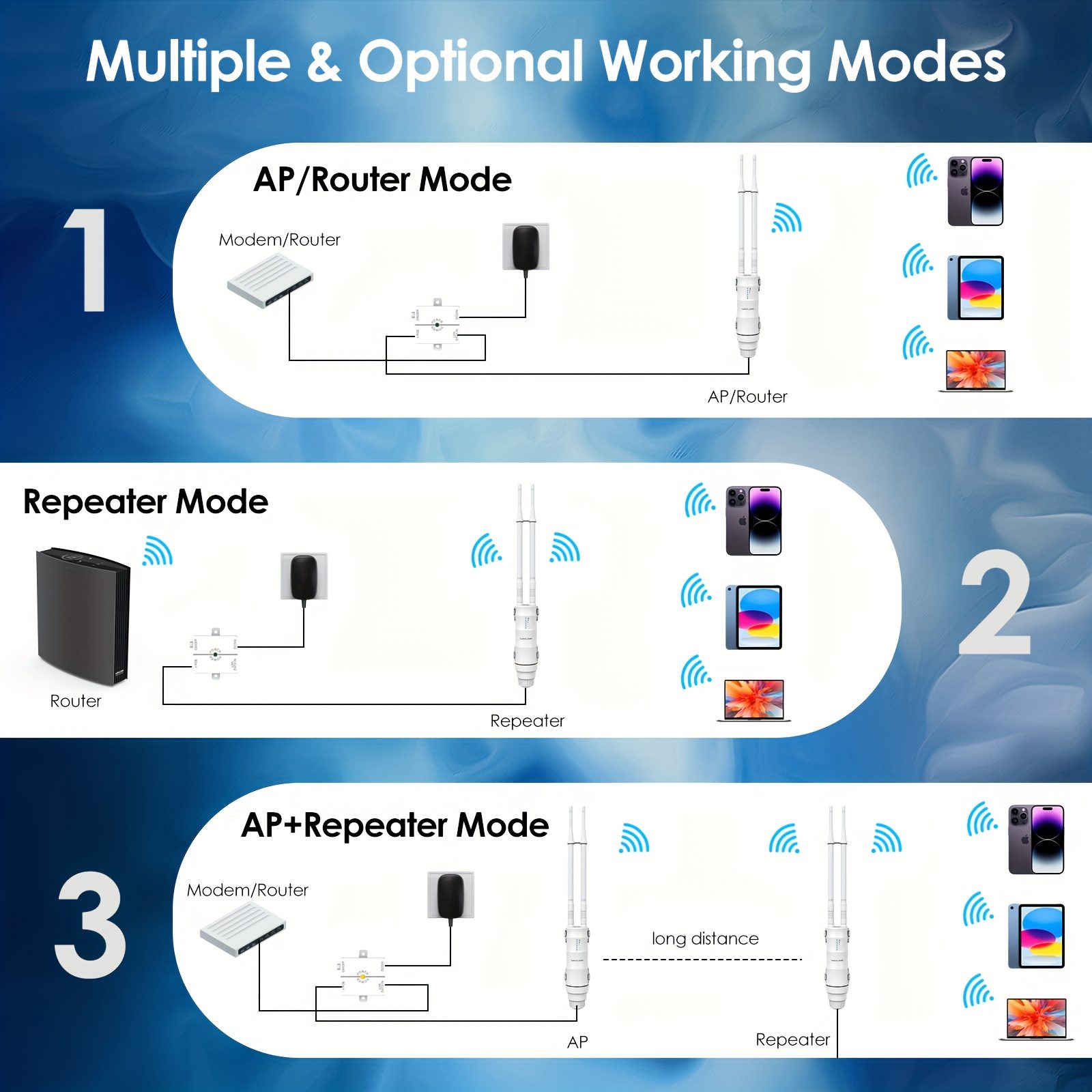
Four Operational Modes – Adaptable for Any Network Requirement Repeater Mode – Expands your current WiFi range. Router Mode – Establishes a new private WiFi network. Access Point (AP) Mode – Transforms a wired connection into wireless. AP+Repeater Mode – Enhances WiFi while increasing signal power.
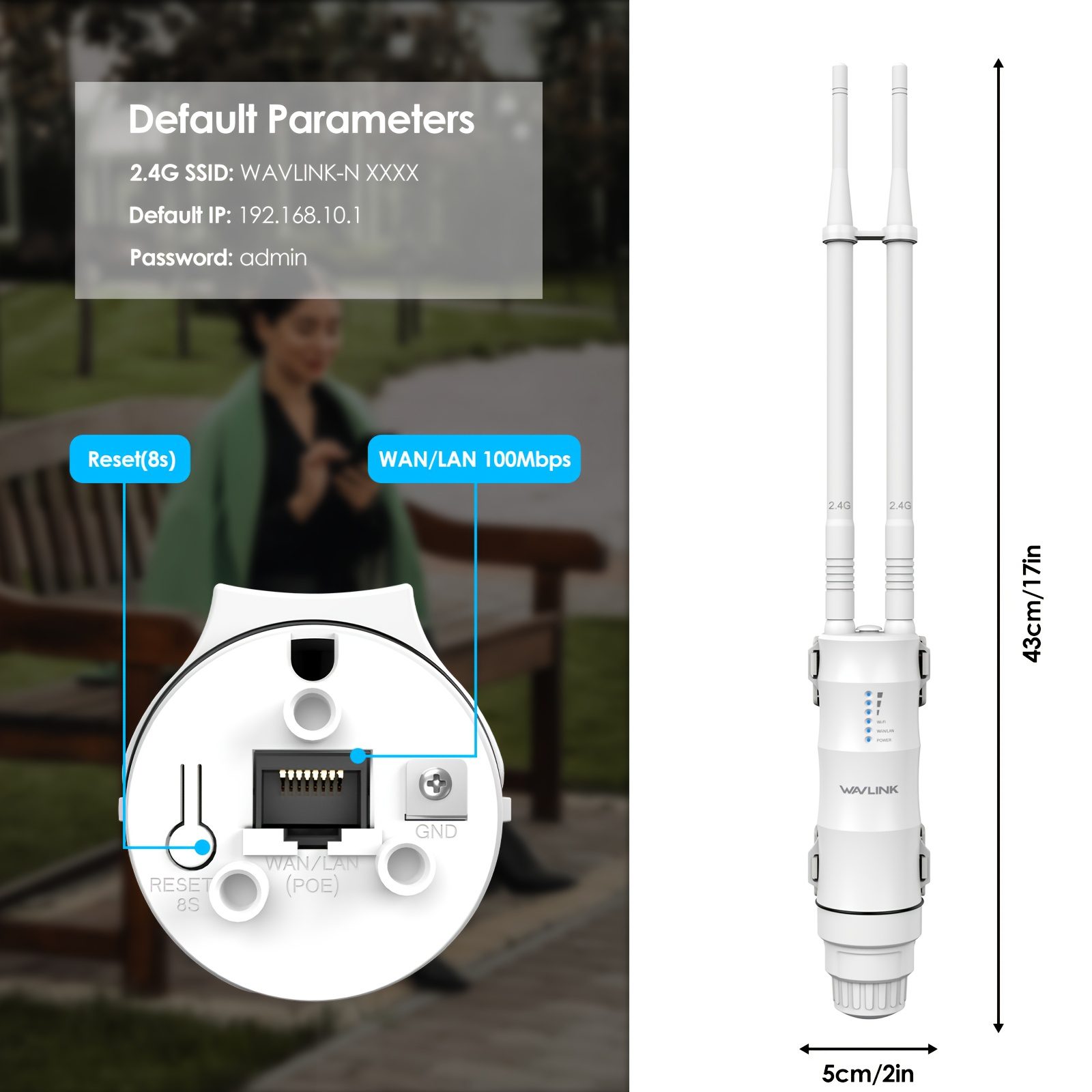
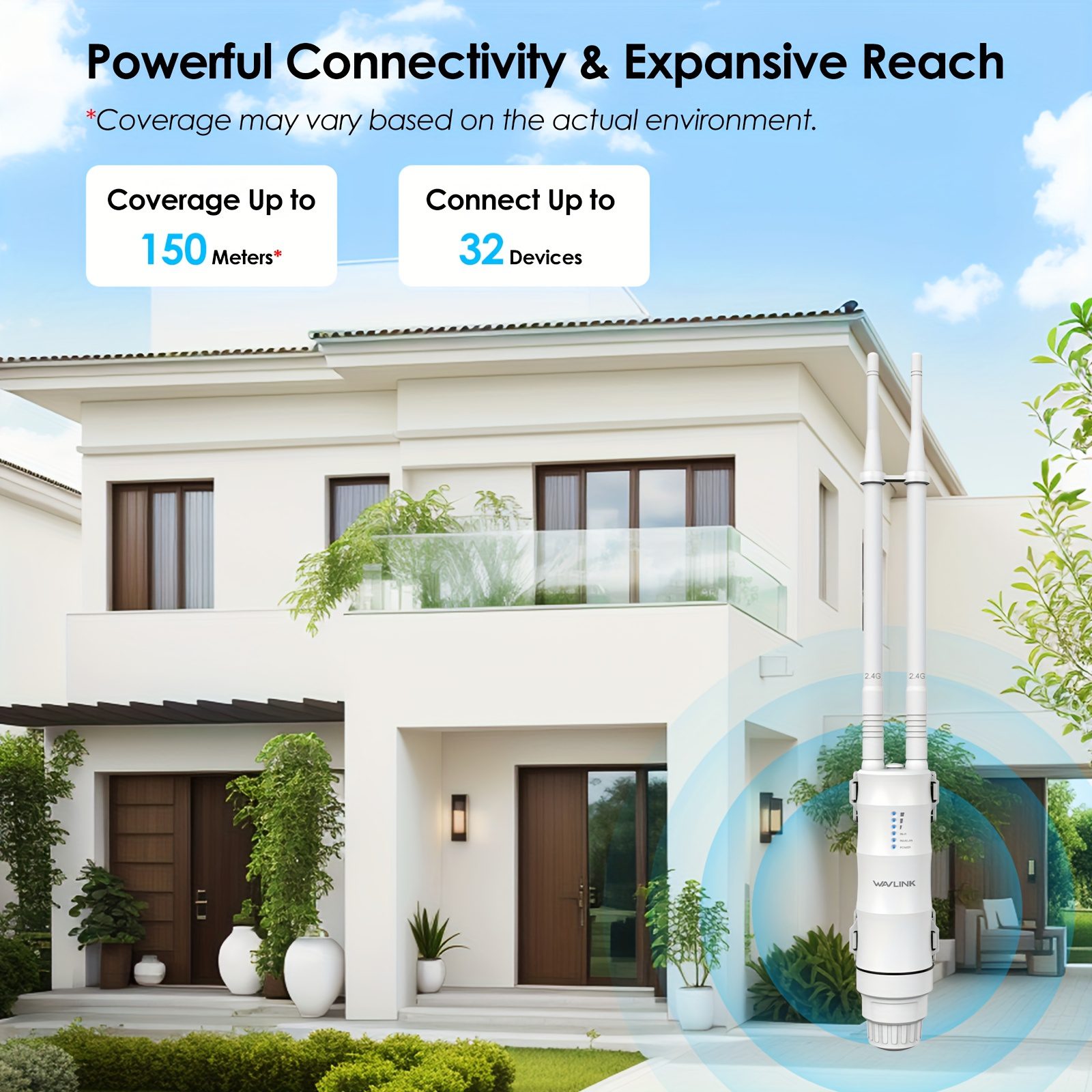
WiFi for outdoor use with robust coverage. Range: Can reach up to 150 meters (approximately 492 feet) in unobstructed spaces. Speed: Offers 300Mbps on the 2.4GHz frequency for seamless streaming and web browsing. Capacity: Can accommodate up to 32 devices connected at the same time. Port: Includes a 100M Ethernet port for reliable wired connections.
Simple Configuration & Standard Preferences Network Name (SSID): WAVLINK-N_XXXX Administrator IP: 192.168.10.1 Access Password: admin Assistance: support@wavlink.com
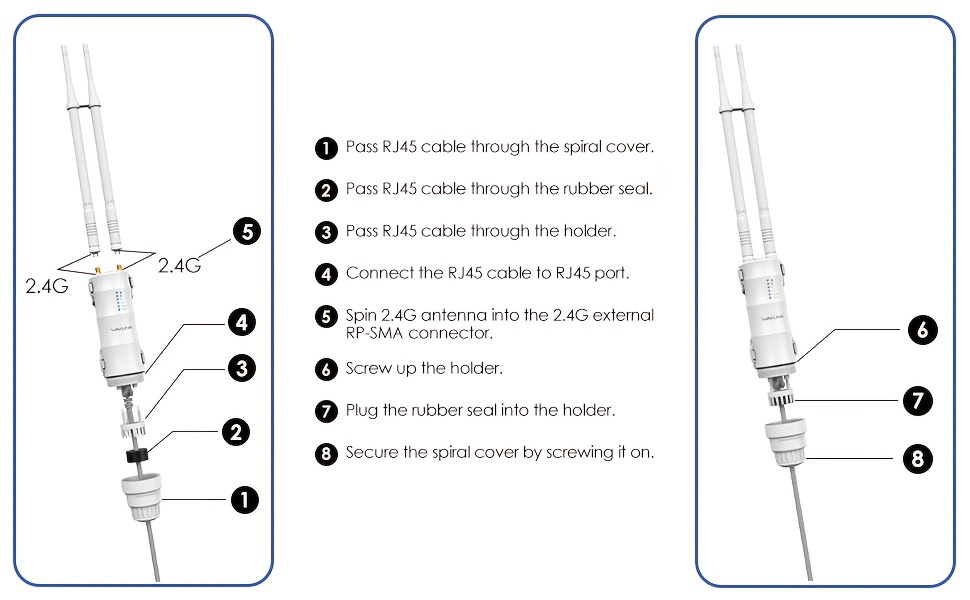
Fast Setup Instructions Step 1: Get Antenna and Cable Ready Thread the Ethernet cable through: spiral cover → rubber seal → holder. Attach the cable to the device’s RJ45 port. Tightly screw the 2.4G antenna into the RP-SMA connector. Fasten the holder, place the rubber seal, and screw on the spiral cover.
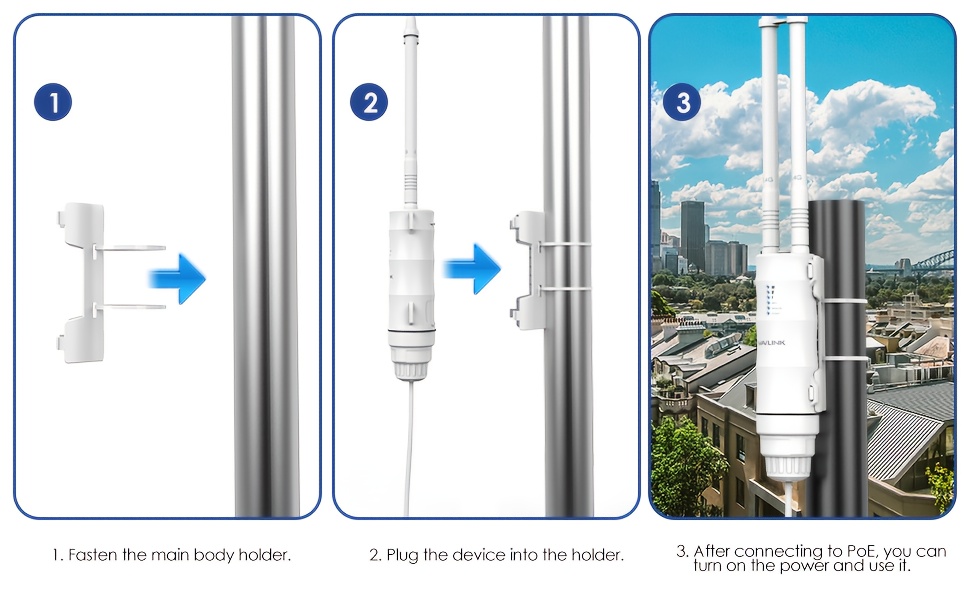
Step 2: Install and Power Up the Device Attach the holder to a wall or pole (recommended height is 2–3 meters). Secure the device into the holder. Connections for PoE Converter: Cable from PoE port → to the device Cable from LAN DATA IN port → to the LAN port of the router Connect the power adapter to an outlet and toggle the ON/OFF switch on the PoE converter.








































 SKYNET
 Speedaf
Al As (verified owner) –
yet to set up
salim al-aisari (verified owner) –
excellent suits the need
خالد الهذلى (verified owner) –
Very good
ja***lu (verified owner) –
signal is strong
ZM77AN (verified owner) –
Very high quality, easy to install, and the connection provides coverage of approximately 200 meters.
80***08 (verified owner) –
excellent 👍 excellent 👍excellent 👍excellent 👍excellent 👍excellent 👍excellent 👍excellent 👍excellent 👍excellent 👍excellent 👍excellent 👍excellent 👍excellent 👍excellent 👍
sh***ss (verified owner) –
excellent
og***an (verified owner) –
Execellent! Wide coverage confirmed..
ha***ya (verified owner) –
Good condition
ks3354 (verified owner) –
recommended
Dovintech Solutions (verified owner) –
Received the same way it was shown here.
Sha hin (verified owner) –
good quality
Sha hin (verified owner) –
good
Sha hin (verified owner) –
good
Sha hin (verified owner) –
good
39***76 (verified owner) –
Good and powerful item long range
Kwabena Mensa Jnr (verified owner) –
Good and I even need two more